Inventory Is Finally Taking Shape
Cube Dev: Inventory Is Finally Taking Shape
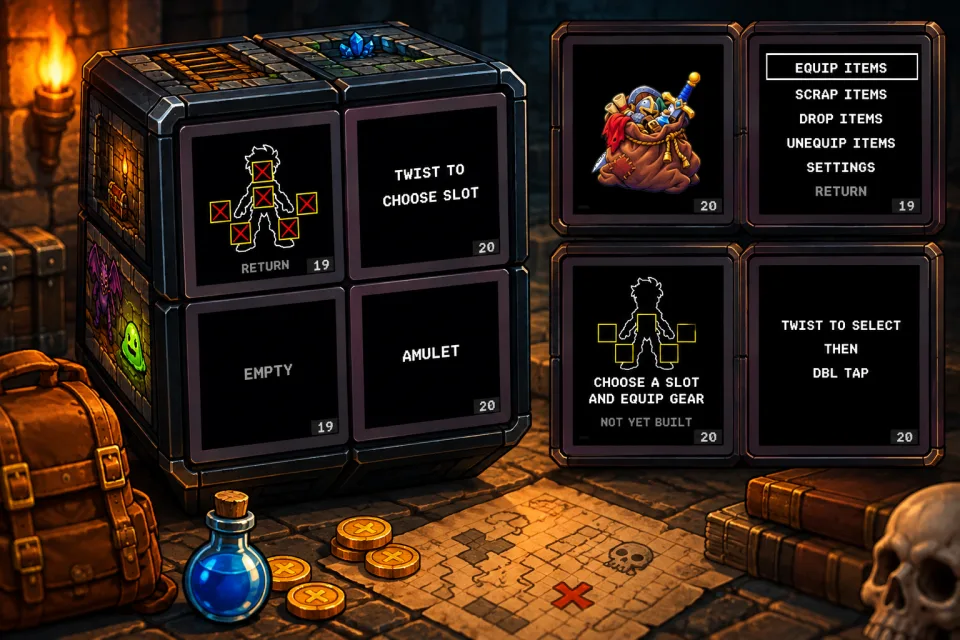
The basic inventory screens are finally in place.
Right now, I'm mostly working through the logic behind them and making sure the whole thing feels natural on the cube instead of just looking like a menu squeezed onto four little screens.
We have the main menu working, along with a settings menu where you can toggle music and sound effects, or exit back to the main menu.
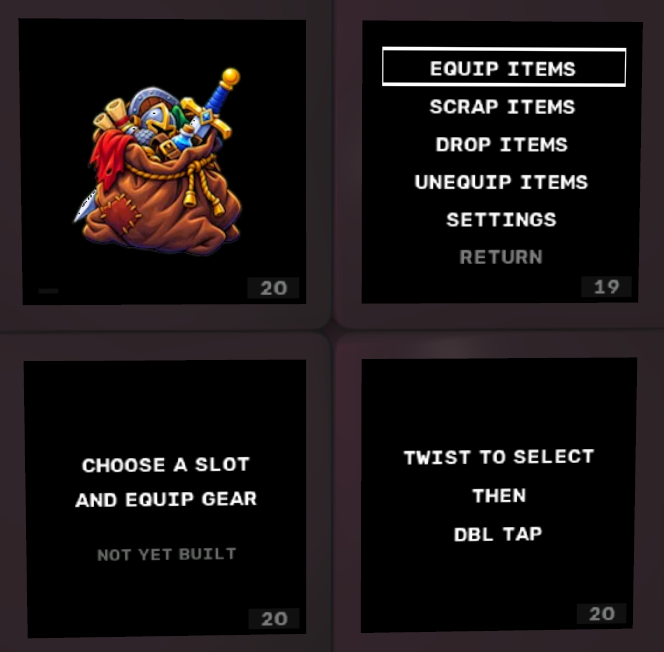
For inventory, slot selection is working too.
You twist to move between equipment slots, then double-tap to choose one.
Simple enough.
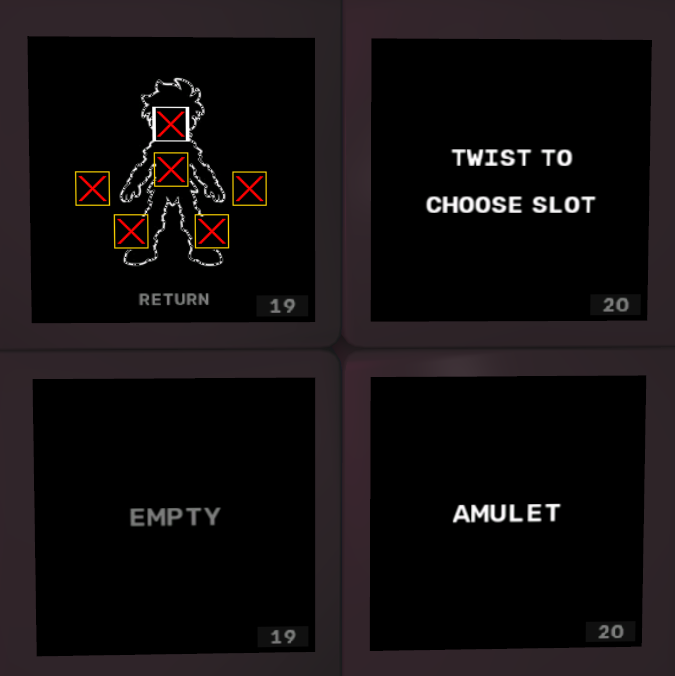
Next Up: Actually Equipping Things
The next step is wiring up the item-selection side of the system.
Once you choose a slot, the game will show every item in your inventory that can be equipped there, along with a Return option if you decide not to change anything.
Twist through the available items, double-tap the one you want, and it equips.
If there's already something in that slot, the two items simply swap places.
No extra confirmation screens. No dragging things around. No complicated sequence of menus.
At the bottom of the screen, the stats for both items will be shown side by side so you can compare what you're wearing with what you're thinking about equipping before you make the switch.
That's really the whole idea behind this inventory system.
Keep it simple.
The cube already gives me enough unusual interaction problems to solve. Inventory doesn't need to become one of them.
Twist to select. Double-tap to equip. Compare the stats. Swap if needed.
Simple, elegant, and most importantly...
It works.

Comments
No comments yet. Say something!